
+44 (0) 1332 895 070
 Trading Software
Private and institutional dealers obtain extensive product and trading opportunities at Agora direct. Using our services, you are linked live and directly to more than 120 electronic trading sites around the globe.
You will be able to keep your eye on things, whether you are using the ATS trading software from home, the Agora Web Trader from your office or the Agora Mobile App when on the road!
Depending on your operating system, please follow the relevant installation instructions for Windows, Linux or MAC in order to install the trading software.
Since the 10th of Jan. 2018, version 969 is available for downloading. This version will upgrade itself in the future.
Depending on the system, you should use the link for 64-bit systems or 32-bit systems.
If it appears that you are using a Tablet computer or a Mobile phone, please use one of the possibilities listed under the following link.
If it appears that you are using the 64 bit system.
Please download the 64 bit version of the software.
If it appears that you are using the 32 bit system.
Please download the 32 bit version of the software.
| A: Google Chrome | B: Mozilla Firefox |
|---|---|
| The download now starts in the bottom right-hand corner in your browser. This may take a few minutes, depending on how fast your Internet connection and your computer are. | A window opens with the question as to whether you would like to open the file. Please click on Save file |
| Click on the ats_install.exedownload at the bottom right. | In order to execute the file, please click on the download arrow ⇓ at the top right of your browser and then on ats_install.exe |
| You will now see a Windows security window. Click on More information and then on Perform the function anyway | You will now see a Windows security window. Click on More information and then on Perform the function anyway |
Before you can log in, you can set the language. In the log-in box, click on the flags at the top and select “English” and confirm the change. You can now log in.
You will find the instructions here for downloading and using the system for Macintosh operating systems.
In order to downoad the latest version of the ATS Handelssoftware for your Macintosh computer, please use the following link:
ATS Tradingsoftware for MAC OSX — Computer with Intel Processor
ATS Tradingsoftware for MAC OSX — Computer with Intel Processor and OSX High Sierra*
ATS Tradingsoftware for MAC OSX — Computer with ARM Processor (Apple Silicon)
Please note: Please note the minimum requirements for the package for OSX High Sierra, only backwards compatible up to OSX El Capitan
Before you can log in, you can set the language. In the log-in box, click on the flags at the top and select “English” and confirm the change. You can now log in.
You will find the instructions here for downloading and using the system for LINUX operating systems. Because of changes in provision of the software packages the yum and apt package manager can no longer be maintained.
Depending on your system, you should use the link for 64 bit systems or 32 bit systems.
If it appears that you are using a Tablet computer or a Mobile phone, please use one of the possibilities listed under the following link.
If it appears that you are using a 64 bit system, please download the 64 bit version of the software.
If it appears that you are using a 32 bit system, please download the 32 bit version of the software.
Click the download link depending on your operation system and save the TWS installation file to a desired location. The remaining instructions assume that you have saved the file to the default Downloads folder. If you have saved it to a different location, replace "Downloads" in the instructions with the appropriate directory/folder.
Open Terminal (Ctrl+Alt+T on most distributions) and navigate to the directory where the installer was downloaded:
Copy: cd ~/Downloads
Make the installer executable by using: chmod u+x before the filename:
Copy:
chmod u+x ats-latest-linux-x64.sh
or
chmod u+x ats-latest-linux-x86.sh
Run the installer to start the wizard by typing "./" before the file name:
Copy:
./ats-latest-linux-x64.sh
or
./ats-latest-linux-x86.sh
Click the "Next" button on the Setup Wizard to extract files.
Uncheck the "Run Trader Workstation" checkbox and click the "Finish" button. A ATS icon is installed on your desktop.
Find the TWS icon on your desktop and double-click to launch the Login box.
Please send a e-mail to our Linux admin: m.nowatzki@agora-direct.co.uk
Before you can log in, you can set the language. In the log-in box, click on the flags at the top and select “English” and confirm the change. You can now log in.
We offer you a powerful programme in the form of the ATS trading software so that you can gain access to your trading account – regardless of whether you prefer to work with Windows, Mac or UNIX/Linux.
Since the 10th of Jan. 2018, version 969 is available for downloading. This version will upgrade itself in the future.
Depending on your system, you should use the link for 64-bit systems or 32-bit systems.
If it appears that you are using a tablet computer or a mobile phone, please try one of the possibilities listed under the following link.
If it appears that you are using a 64 bit system, please download the 64 bit version of the software.
If it appears that you are using a 32 bit system, please download the 32 bit version of the software.
You can find detailed instructions on installing the software and interface software summarised in our download area:
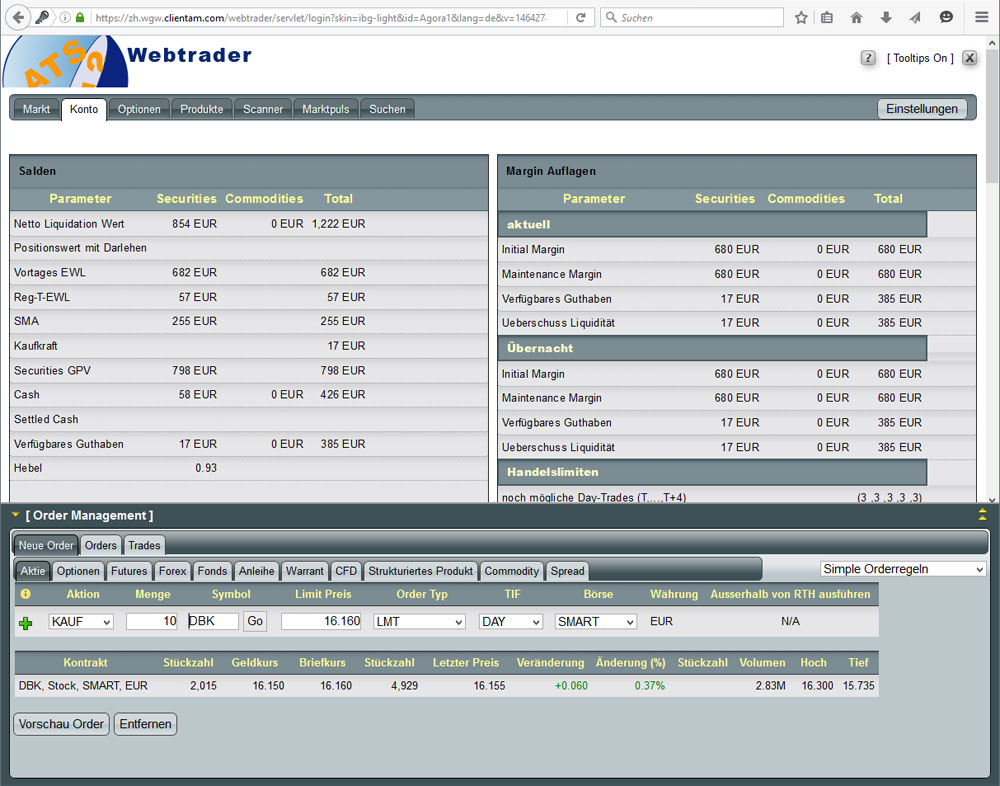
The Agora Web Trader enables you to access your trading platform via an encrypted internet connection without having to first perform any software installation. This enables you to trade in a flexible and independent manner – whether from home, the office or when on holiday.
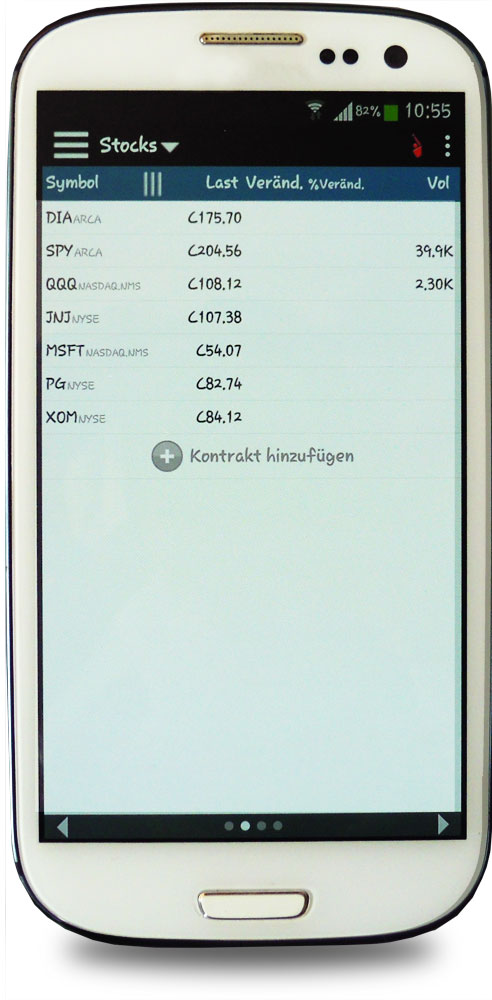
 Agora Mobile
You can access your trading account with your smartphone when on the road with the Agora Mobile app.
For the following BlackBerry®-Oldtimers no software updates will be rolled out. Therefore, the software may only be of limited use. This is the reason why AGORA direct™ will not be liable in any way.
iPhone™, iPad™, App Store™, Android®, Blackberry® etc. are trademarks, service brands or registered names and belong to the relevant owners.
Please use the function test in order to discover whether there is a connection problem.
MetaTrader is well-known trading software used around the globe. MetaTrader 4 / MetaTrader 5 in particular are used by active traders to trade in currencies. However, it can also be used to trade in futures and other products. Its benefit lies in the very specialised trading and information tools designed for foreign exchange trading.
Analysts, asset managers, publishers of trading signals and customer service representatives, particularly in the foreign exchange business, use this analysis and trading software just like private traders. In order to obtain an overview of the opportunities presented by MetaTrader, we recommend that you visit the outside website of MetaQuotes Software Corp.:
Please remember that MetaTrader only makes available the software and the market price data; but that does not enable you to trade. In order to be able to trade using this analysis and trading software from MetaTrade, a trading account must be connected. In order to be able to act successfully, it is also necessary to have a fair and efficient broker partner.
Apply now to open your account via Agora direct.
In order to connect MetaTrader to your trading account, you must have a software bridge. We can offer you the powerful and licenced MTIBBridge software in conjunction with Trader-Commander. This software establishes a special interface between MetaTrader 4 / MetaTrader 5 and your broker account opened through Agora direct. It is conceived for traders (private or professional), who are looking for a complete solution without any programming effort and want to trade with MetaTrader 4 / MetaTrader 5, when manually or automatically using “Expert Advisor”.
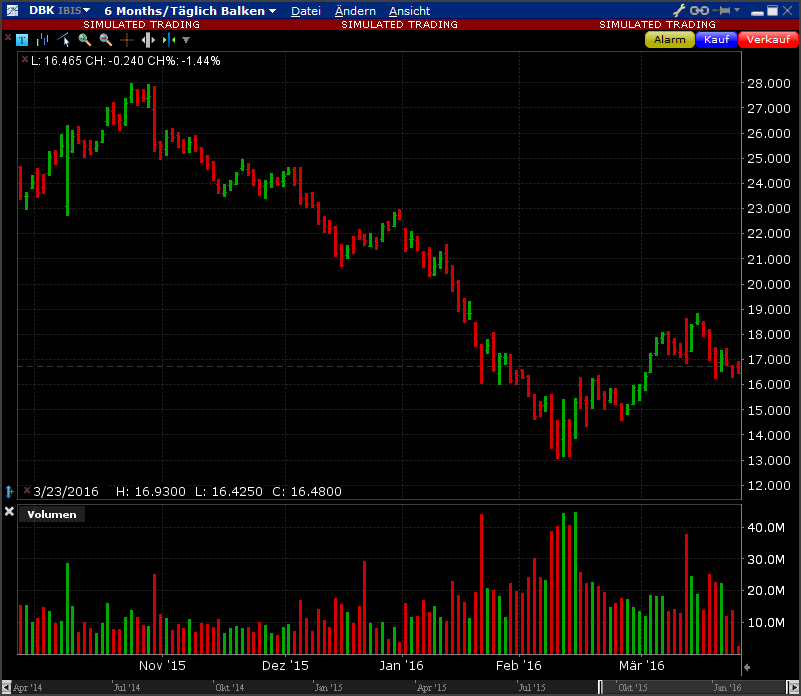 ATS trading software
We offer you a powerful programme in the form of ATS trading software so that you can trade as a professional or beginning around the globe professionally, flexibly and independently – regardless of whether you prefer to work with Windows, Mac or UNIX/Linux.
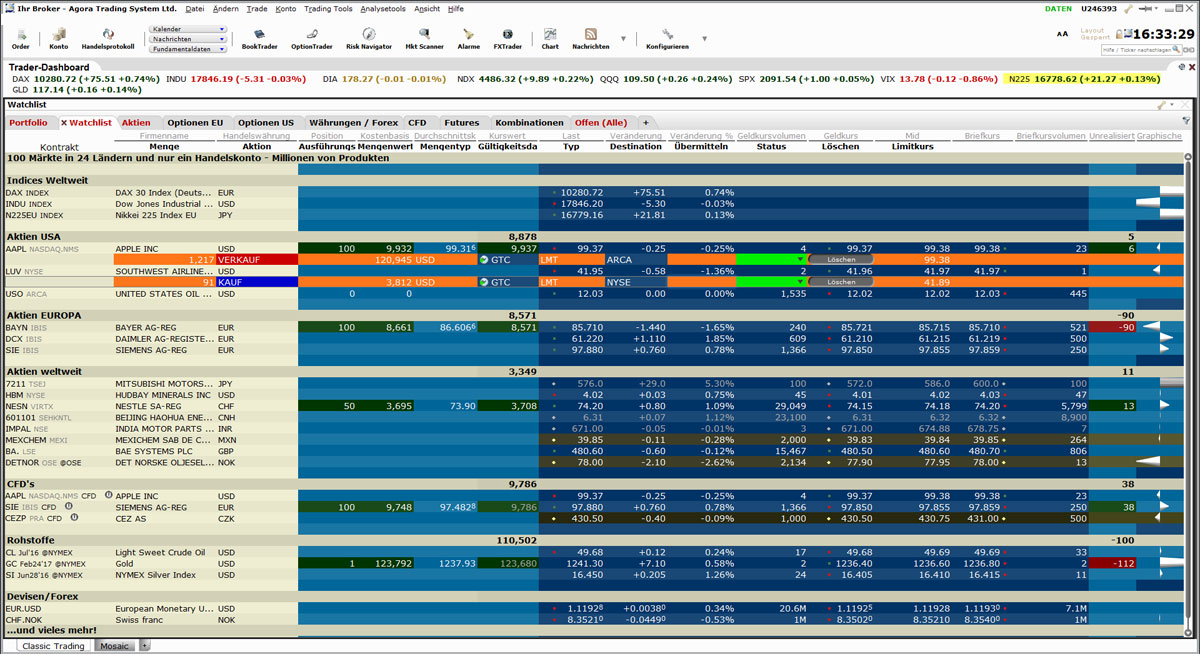
We also provide you with support with regard to installation, configuring and setting all the stock exchange products and tools.
| PC | Mac (Apple) | Linux | ||||
|---|---|---|---|---|---|---|
| Minimum | Recommended | Minimum | Recommended | Minimum | Recommended | |
| Operating system | Windows 10 or higher | Windows 11 or higher | Mac OSX 10.11 (El Capitan) | Mac OSX 10.13 (High Sierra) or higher | Kernel 2.6 | Kernel 3.0 or higher |
| Browser | Internet Explorer 11.0 Firefox 32.0 Chrome 37.0 | Safari 7.1 Firefox 32.0 Chrome 37.0 | Firefox 32.0 Chrome 37.0 | |||
| Screen resolution | 1024 x 768 | Dual Screen, 1280 x 1024 | 1024 x 768 | Dual Screen, 1280 x 1024 | 1024 x 768 | Dual Screen, 1280 x 1024 |
| Processor | Intel i3 | Intel i5 or higher | Intel i3 | Intel i5 or higher | Intel i3 | Intel i5 or higher |
| RAM | 4GB Ram (1GB for TWS) | 8GB Ram (2GB for TWS) | 4GB Ram (1GB for TWS) | 8GB Ram (2GB for TWS) | 4GB Ram (1GB for TWS) | 8GB Ram (2GB for TWS) |
| Internet connection | Broadband | Broadband with backup | Broadband | Broadband with backup | Broadband | Broadband with backup |
Please note that you may trade in products listed in our Products & Prices section only.